Trusted by market leaders in Uzbekistan


Managed L4/L7 load balancer for distributing traffic across servers. High availability, SSL termination, and health checks without additional software.
Trusted by market leaders in Uzbekistan
Calculate the cost of a load balancer
Evenly distribute traffic across a group of servers to prevent overloads
Offload traffic encryption from target servers and centralize certificate management
Route requests based on URL paths or headers to specific services
Seamlessly switch traffic between different application versions for zero-downtime updates
High Load
Run from 2 to 100 backend servers behind the balancer. Add nodes with zero downtime as traffic grows.
Zero-downtime
Blue-green and canary deployments via traffic weight management. New version handles 10% of requests, then 100%.
Security
One certificate on the balancer — internal servers run over HTTP. Simplifies PKI management and reduces load.

Analyze request content (URL, Host, Cookies) to precisely direct traffic to the appropriate server pools
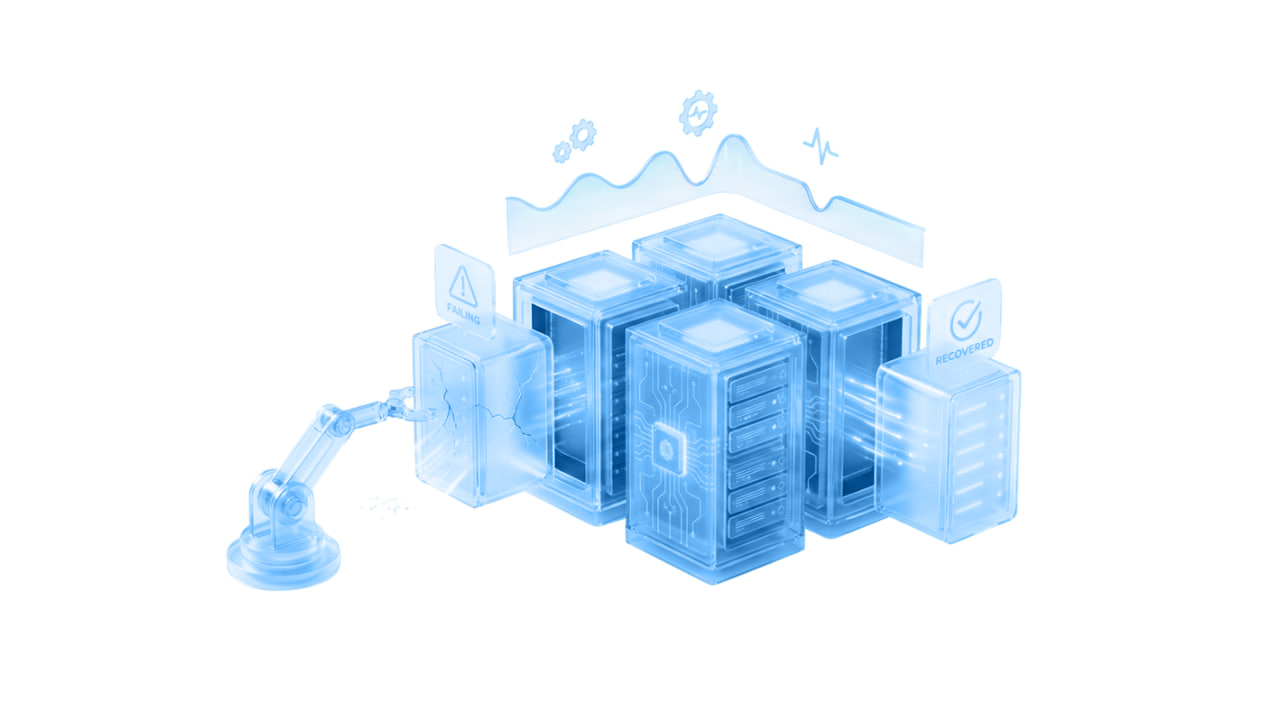
Automatically remove unhealthy servers from rotation and instantly return them once recovered

Reduce backend server load through efficient session management and traffic compression

TCP/UDP balancing at L4 and HTTP/HTTPS at L7. Choose your algorithm: Round Robin, Least Connections, IP Hash, Weighted.

Upload your own certificates or issue Let's Encrypt with one click. TLS 1.2/1.3, HSTS, and automatic renewal.

Detailed statistics: RPS, latency, errors by code. Real-time access logs for debugging and auditing.
Find answers to common questions about our services.
An L4 load balancer operates at the transport protocol level (TCP/UDP), simply redirecting packets. An L7 load balancer operates at the application level (HTTP/HTTPS) and can make decisions based on URLs, headers, or cookies, enabling much more sophisticated and efficient distribution schemes.
Yes, that is its primary purpose. It distributes incoming traffic across all available servers. If the load becomes critical, you can quickly add new virtual machines to the balancing pool, and it will start routing traffic to them without stopping the service.
The load balancing service at UzCloud is implemented as a highly available cluster. This means that the failure of a single physical infrastructure node will not cause the load balancer to stop working — traffic will be automatically picked up by standby nodes.
Yes, you can upload your own SSL/TLS certificates in the UzCloud control panel. The load balancer will handle traffic decryption, forwarding plain HTTP (or re-encrypted traffic if needed) to your servers, significantly saving CPU resources on your machines.
Get a free consultation with a solutions architect. We'll help plan your migration and optimize costs.