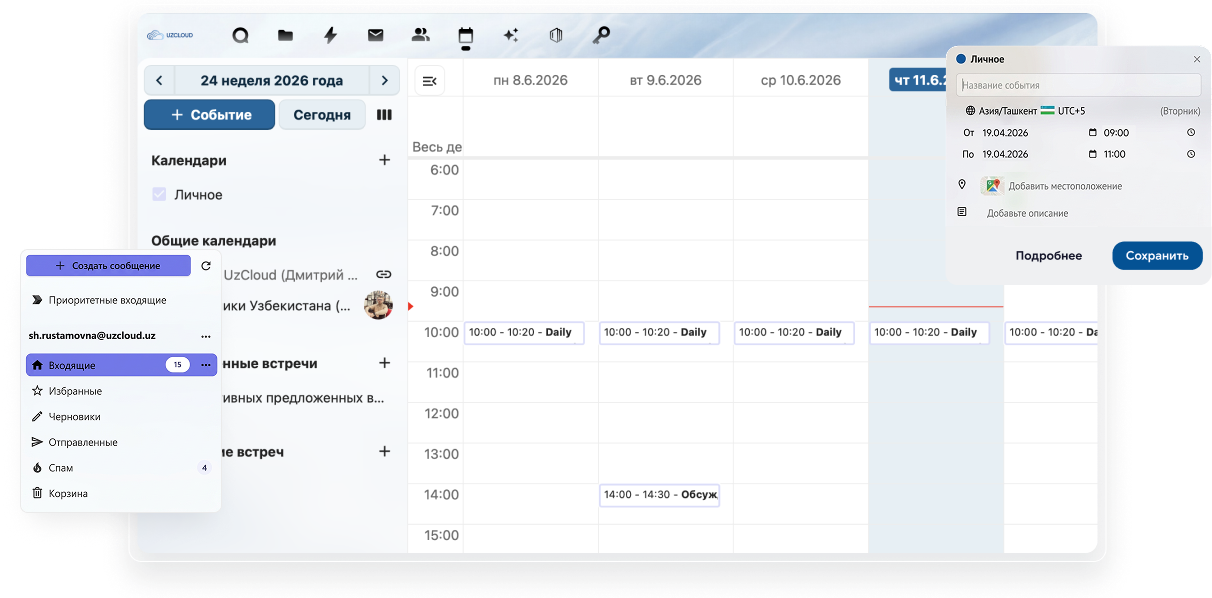
Full-featured corporate mail, a shared team calendar and meeting scheduling — within Uzbekistan's secure perimeter.
Trusted by market leaders in Uzbekistan


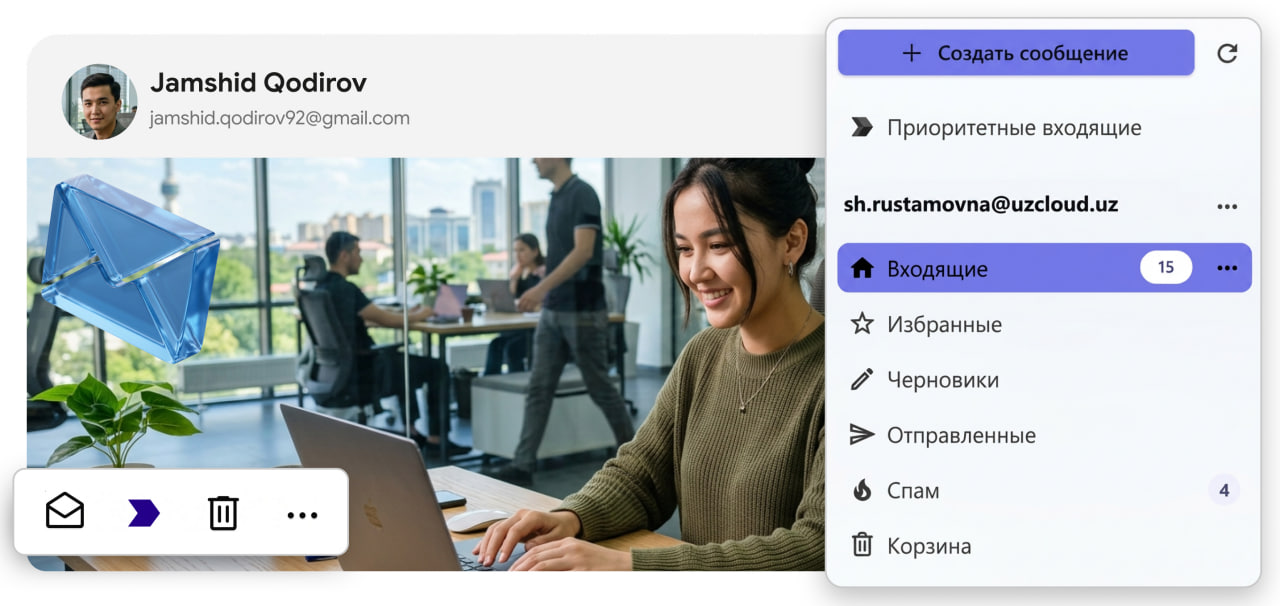
From an incoming email to a scheduled meeting — without switching between apps.
Corporate mail in a secure perimeter without dependency on foreign platforms. Files — by link, a meeting from an email — in one click, sending — on schedule. Access from any device.
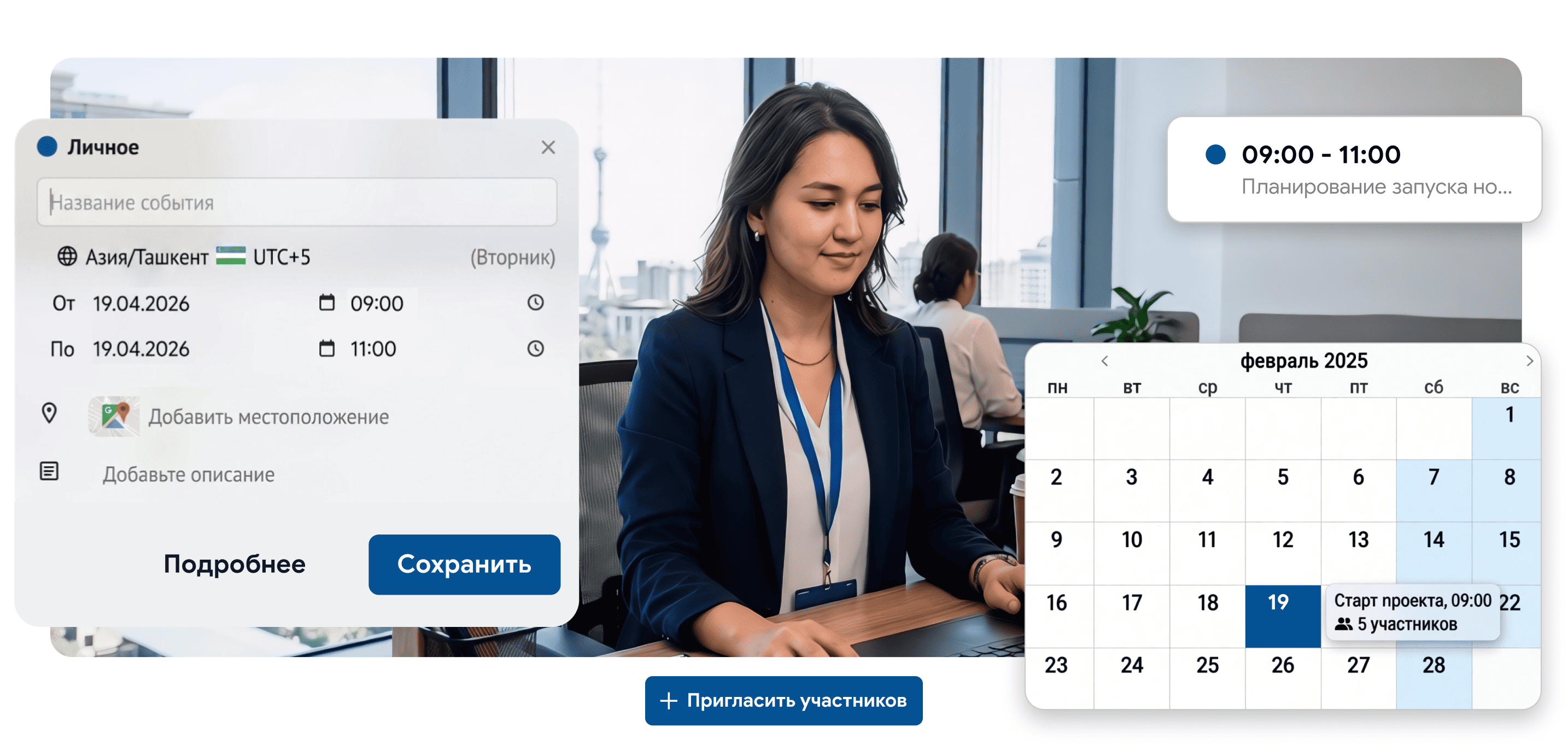
Create a shared calendar for a department or project, configure permissions for each member. The «Find time» tab shows everyone's schedule in a single grid — offer options and participants pick the convenient one.
All modules work together — a single account, a single sign-in.
Email attachments are saved straight to Files. Files from storage are attached to emails as an active link — without downloading.
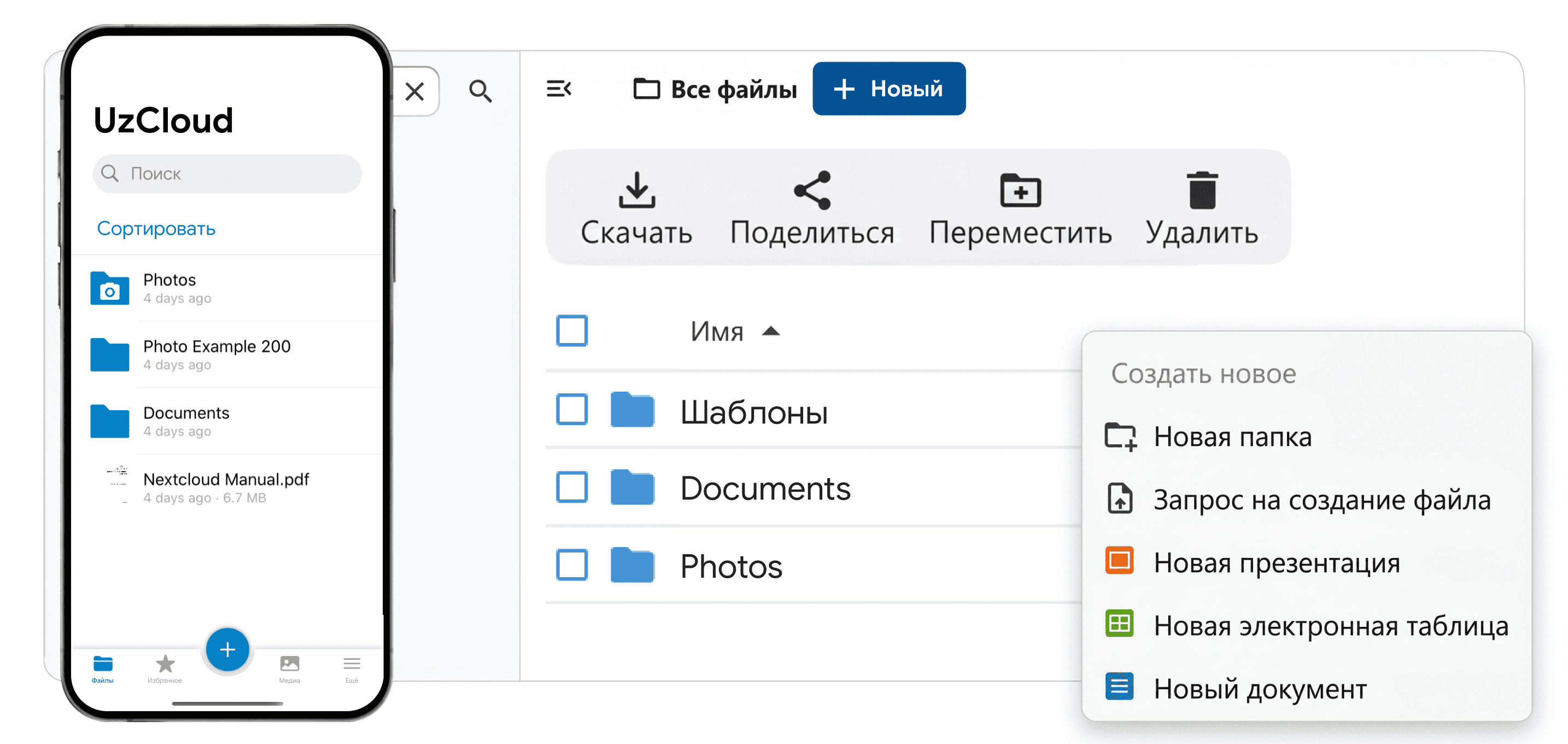
Notifications from mail and mentions arrive in Talk. A meeting from Calendar can be launched as a call right in the messenger with one button.
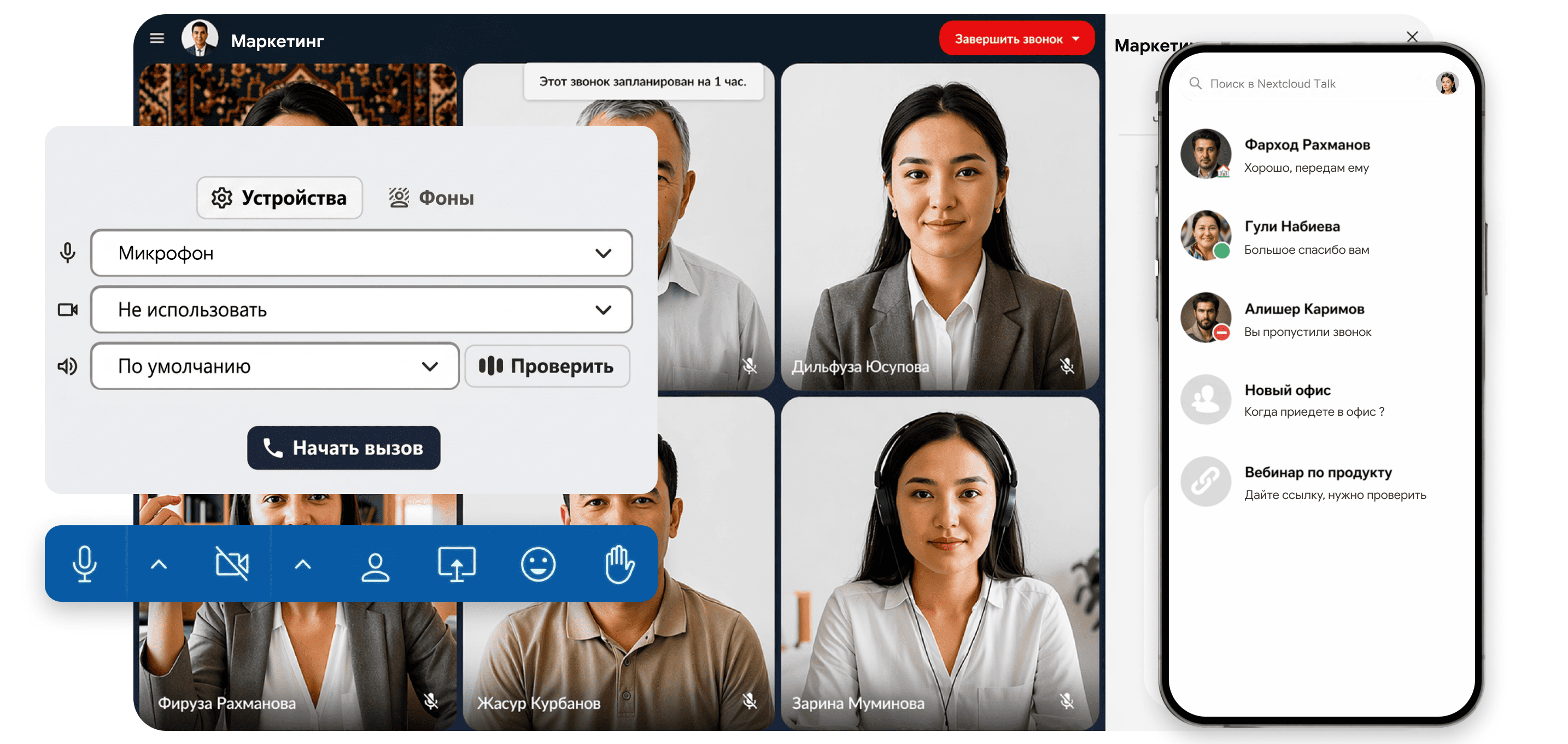
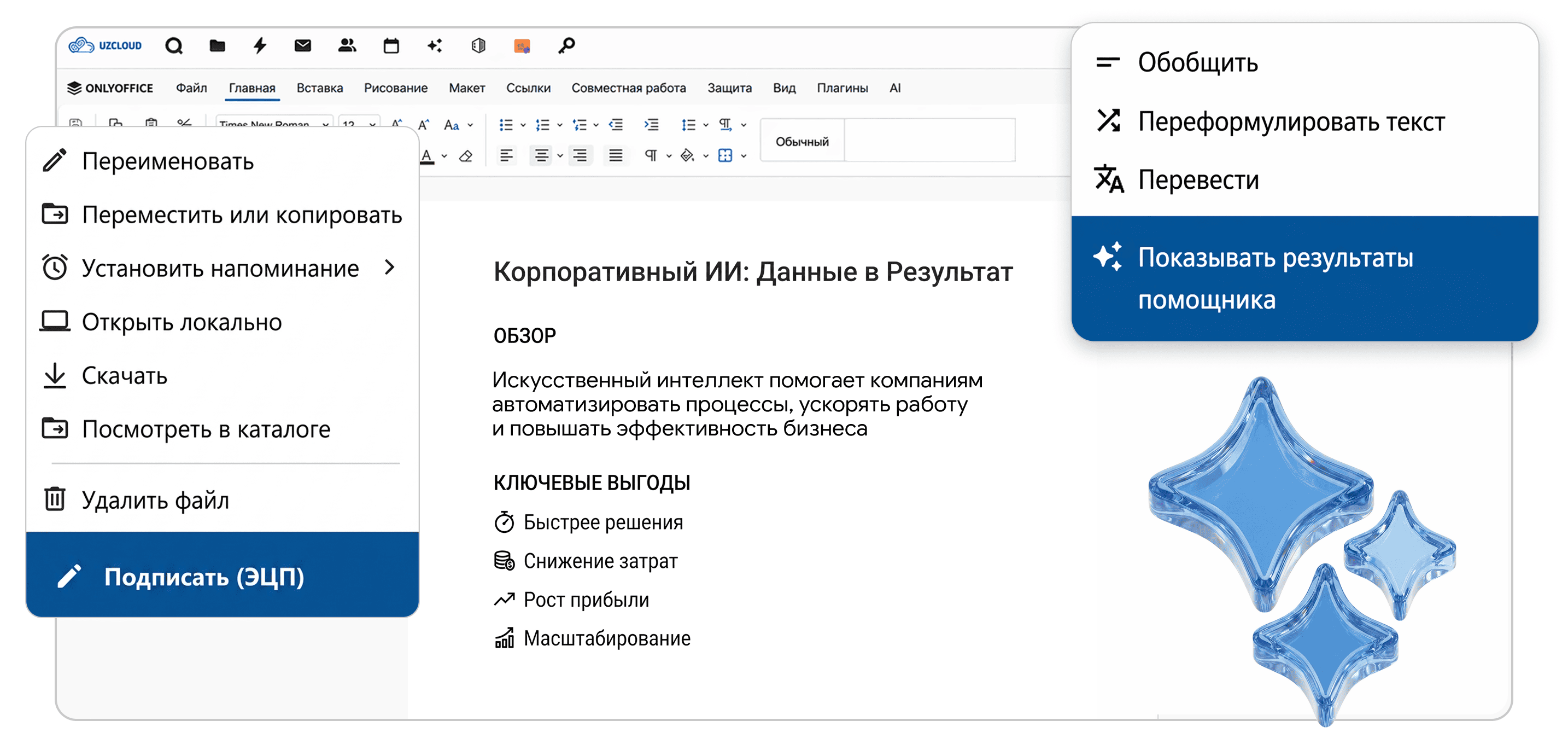
Corporate online editor, fully compatible with Microsoft formats. Collaborative document editing and signing them via E-IMZO right in the browser.
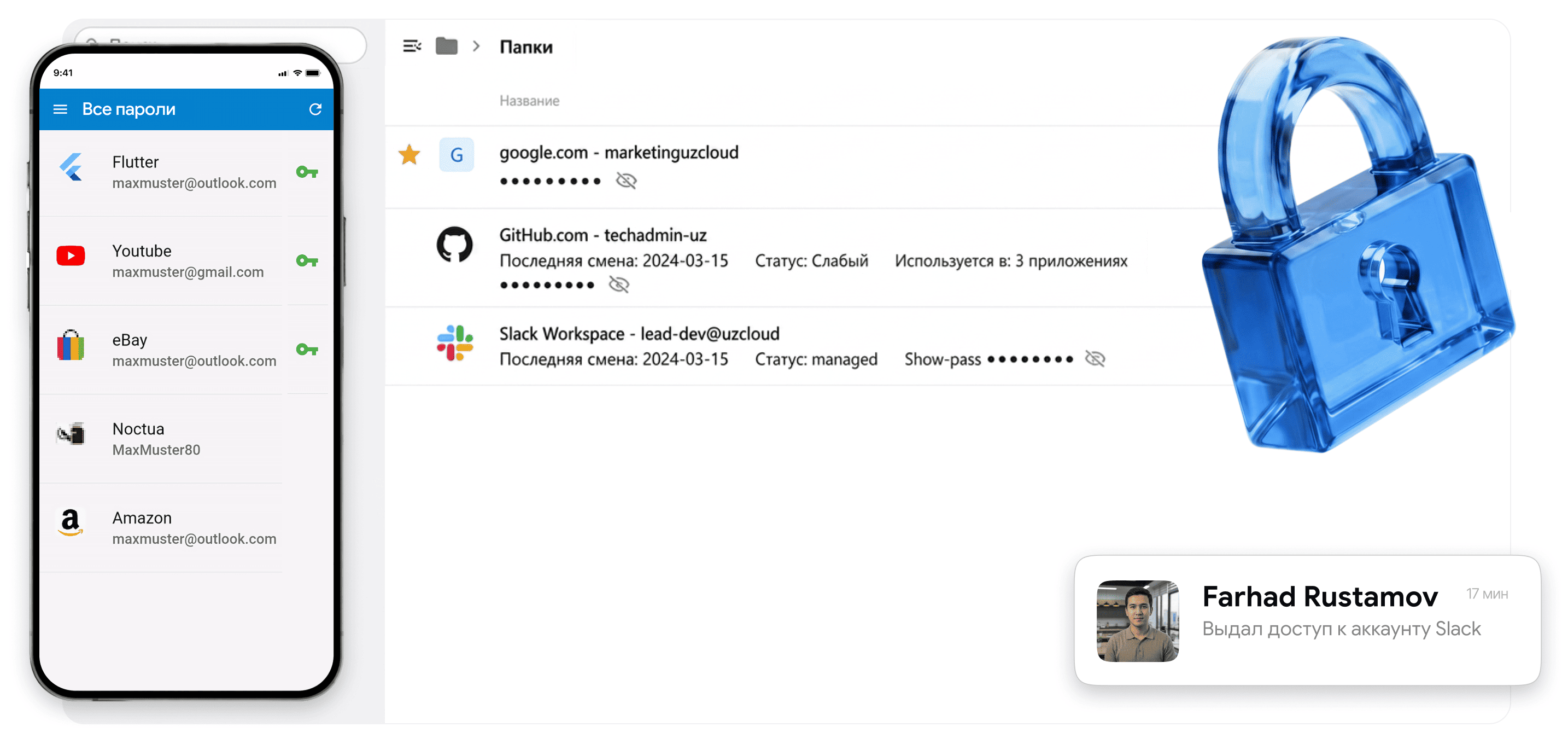
Secure storage and sharing of corporate passwords within the company perimeter. Included in the base plan.
| Criteria | ✦ UzCloud Mail + Calendar | Foreign platform (SaaS) |
|---|---|---|
| Corporate mail | ✓ Own domain @company.uz | ✓ Yes |
| Intelligent calendar | ✓ + «Find time» + voting |
×
Basic, no time picking |
| File storage integration | ✓ Native — HUB Files |
×
Third-party clouds |
| Local integrations | ✓ E-IMZO — signing right in the browser |
×
No E-IMZO support |
| Data stored in Uzbekistan | ✓ Uzbekistan (UzCloud or On-Prem) |
×
Servers abroad |
| PP-167 / ZRU-764 compliance | ✓ Full |
×
Violation |
| Payment in UZS / local contract | ✓ Yes, in UZS |
×
Currency, foreign contract |
| Geopolitical security | ✓ Guaranteed |
×
Risk of blocking |
| Support in Uzbek | ✓ Team in Uzbekistan |
×
Global support |
Central Bank of Uzbekistan requirements for data localization; correspondence with clients stays within the country's perimeter.
Corporate mail without foreign dependencies; meeting invitations via the shared calendar.
A unified schedule, visibility of colleagues' availability, meetings straight from your inbox.
Email history transfer, a familiar interface, no need to retrain the team.
Two modules that cover every corporate communication scenario.
Work, project, service — all mailboxes in one window.
Compose an email now, set the time — it sends automatically.
Create a calendar for your team. Configure permissions: viewing, editing, adding.
Everyone's schedule in a single grid. Busy — red, free — green.
AI compiles a list of decisions and tasks and sends them to participants by email.
Fixed price per user per month. All platform features are included in the subscription.
Find answers to common questions about our services.
Only in a data center within the Republic of Uzbekistan. Data is not transferred abroad. Full compliance with PP-167 and ZRU-764.
Yes. Mail will be on your domain: ivan@company.uz. DNS, MX records and SSL setup are handled by the UzCloud team during onboarding.
When creating a meeting, add participants and open the «Find time» tab — everyone's schedule is shown in a single grid. Busy slots are red, free ones are green. Click — the meeting is created.
Yes. External iCal invitations are accepted in one click right from the email — the meeting automatically appears in HUB Calendar, and the response goes to the organizer.
The UzCloud team performs a full migration: email history, contacts and Calendar events are transferred without loss. The standard pilot timeline is 4–5 weeks for 50 users.
The administrator instantly blocks the account — the employee loses access to all mail, Calendar and files at once. Blocking takes seconds.
We'll show Mail + Calendar in action: how «Find time» works, how a file from storage is attached to an email, and how a meeting is created from an incoming message.