S3 Object Storage
Object Storage in UzCloud is an S3-compatible storage built on Ceph. It is designed for files, backups, media and other unstructured data, and works with any S3 client or SDK. Here is how to create an object store in the UzCloud console.
Open the Object Storage Page
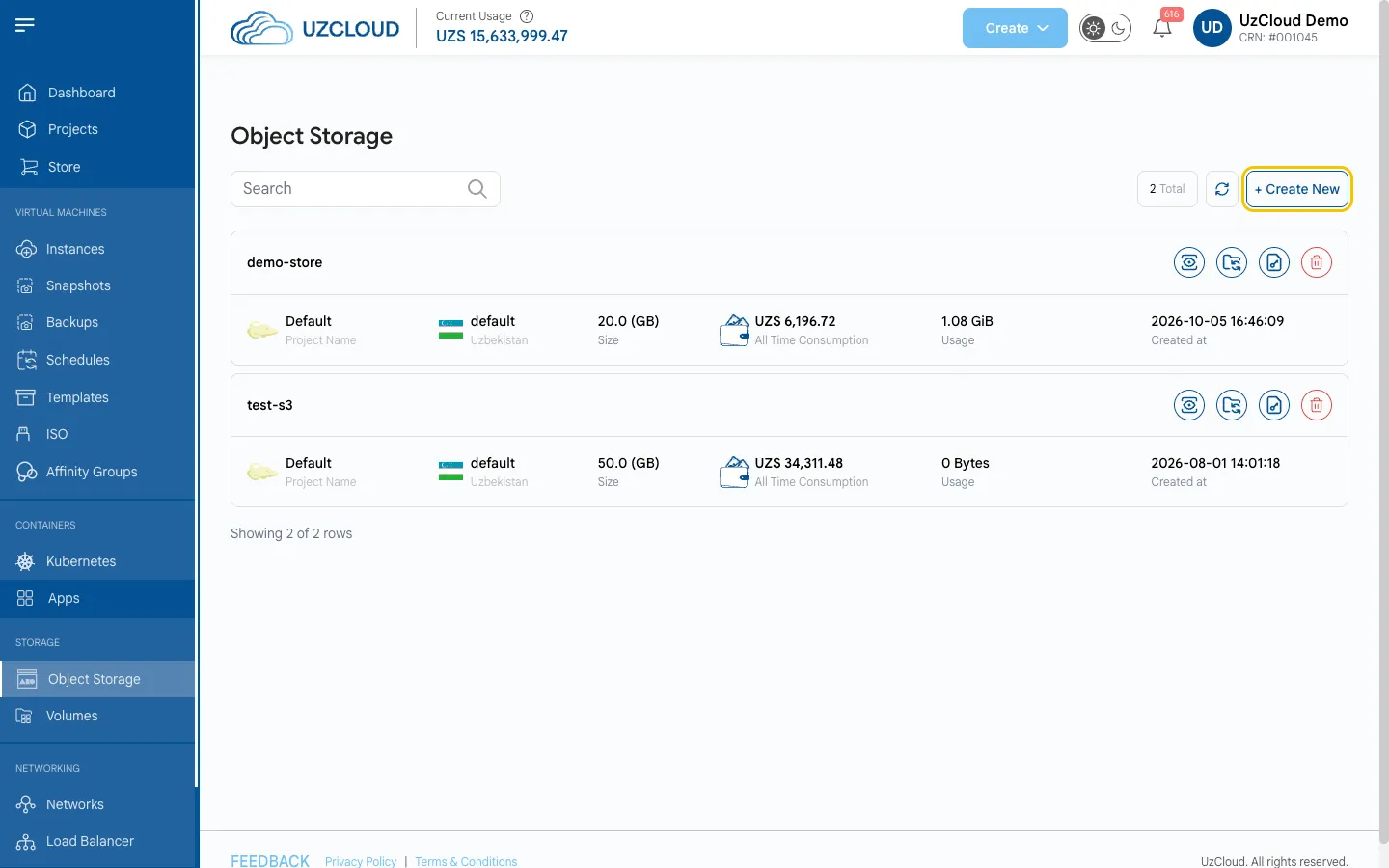
- In the left-hand menu, under STORAGE, click Object Storage. The page lists your object stores with their project, location, size, all-time consumption, usage and creation date.
- Click + Create New in the upper-right corner. The Create Object Storage page opens.
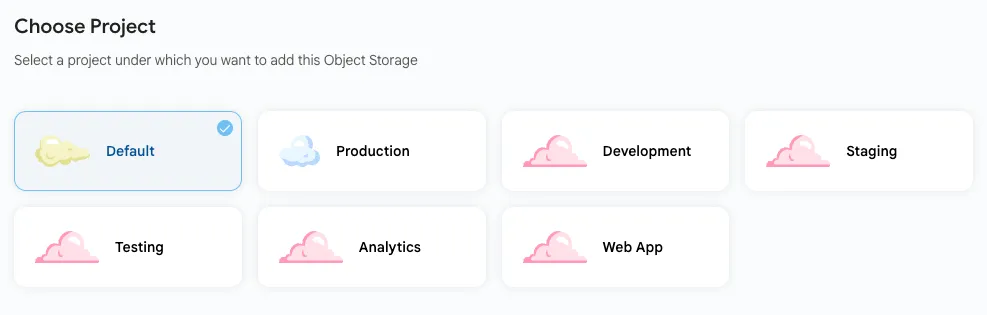
Choose a Project
- Assign the object store to one of your projects to keep resources organized.
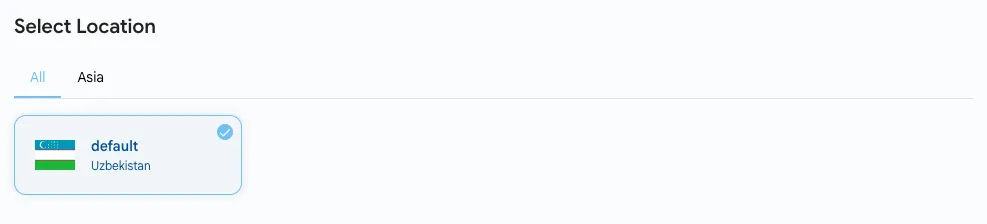
Select a Location
- Select the location where the object store will be hosted.
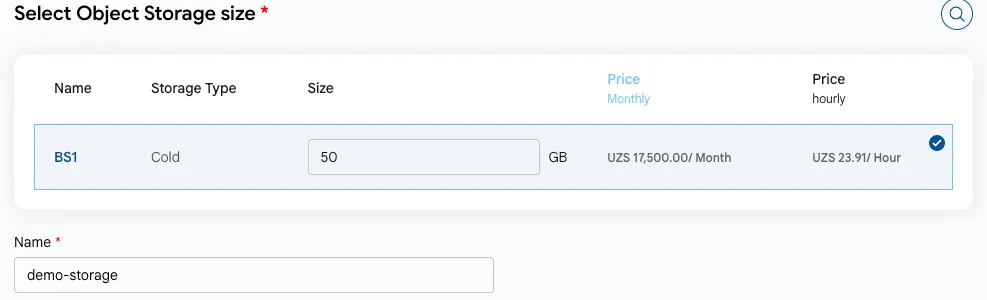
Select the Size and Name
- Under Select Object Storage size, enter the storage size in GB. The monthly and hourly prices are calculated automatically.
- Enter a Name for the object store.
Create the Object Store
- At the bottom of the page, choose the Billing Cycle: Monthly or Yearly. Price Summary shows the cost of the selected configuration.
- Check the configuration and click Review & Create.

Conclusion
By following this guide, you can create an S3-compatible object store in UzCloud. Next, create buckets and get access keys — see Manage Object Storage. For further assistance, refer to the UzCloud documentation or reach out to support.