Volume Snapshot
A volume snapshot captures the state of a volume at a specific point in time. You can restore the volume from it after accidental deletion, data corruption, or a failed update.
Note
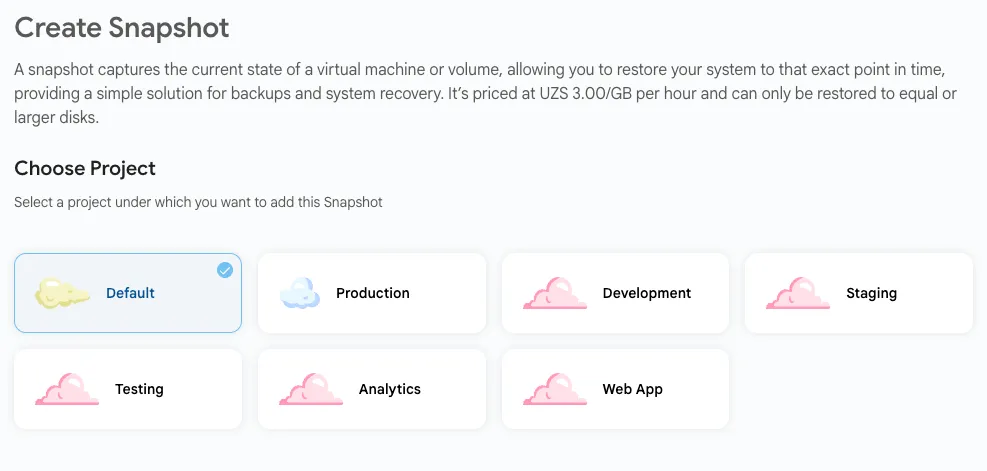
Snapshots are billed at UZS 3.00 per GB per hour. A snapshot can only be restored to a disk of equal or larger size.
Creating a Volume Snapshot
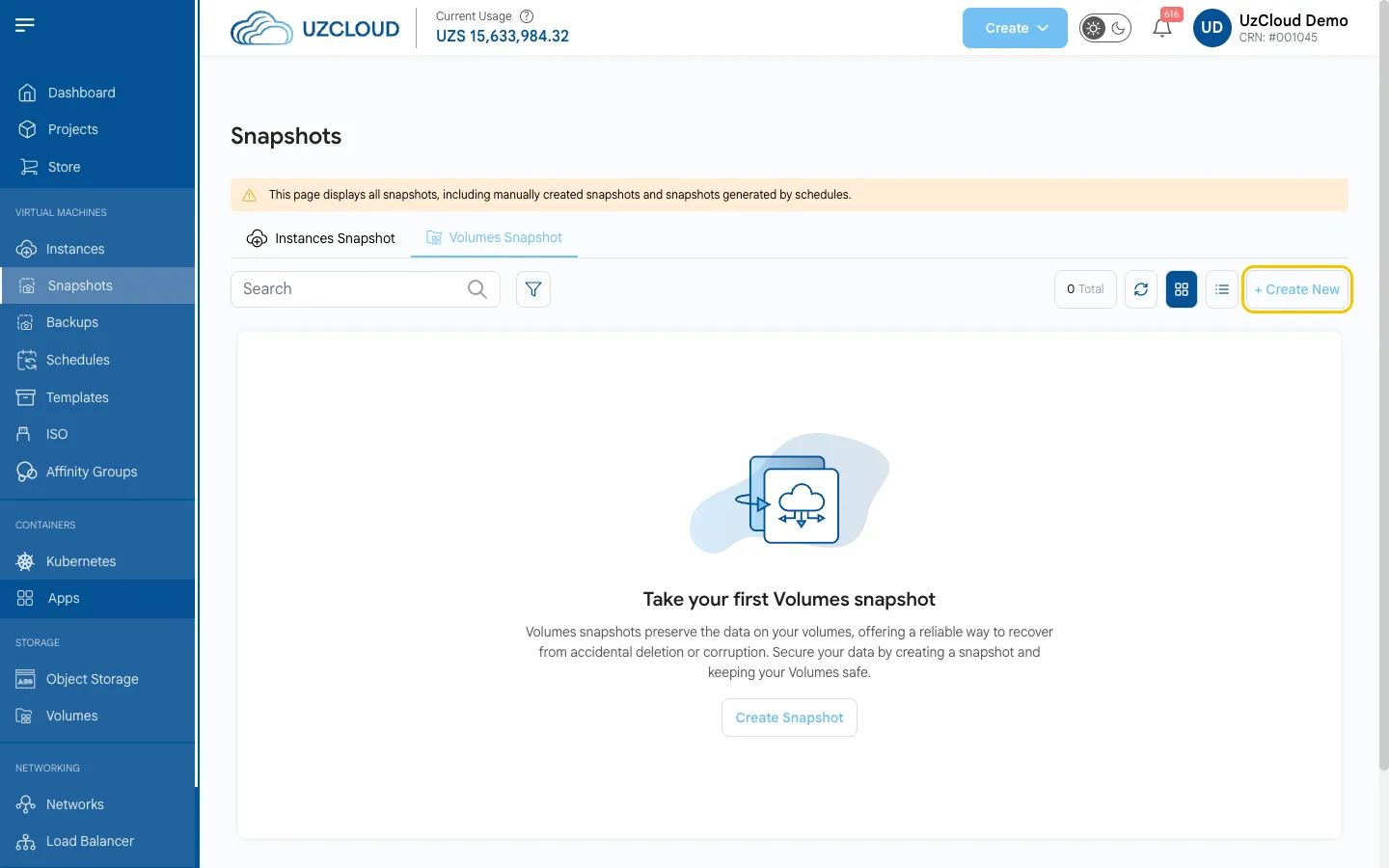
- From the left-hand menu, click Snapshots and open the Volumes Snapshot tab. The page shows all snapshots, including manually created ones and snapshots generated by schedules.
- Click + Create New. The Create Snapshot page opens.
- Select the project and the location where the volume is located.
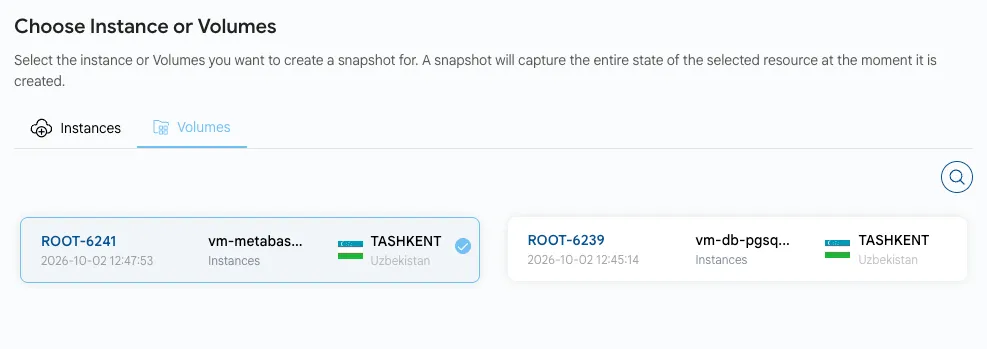
- In Choose Instance or Volumes, open the Volumes tab and select the volume.
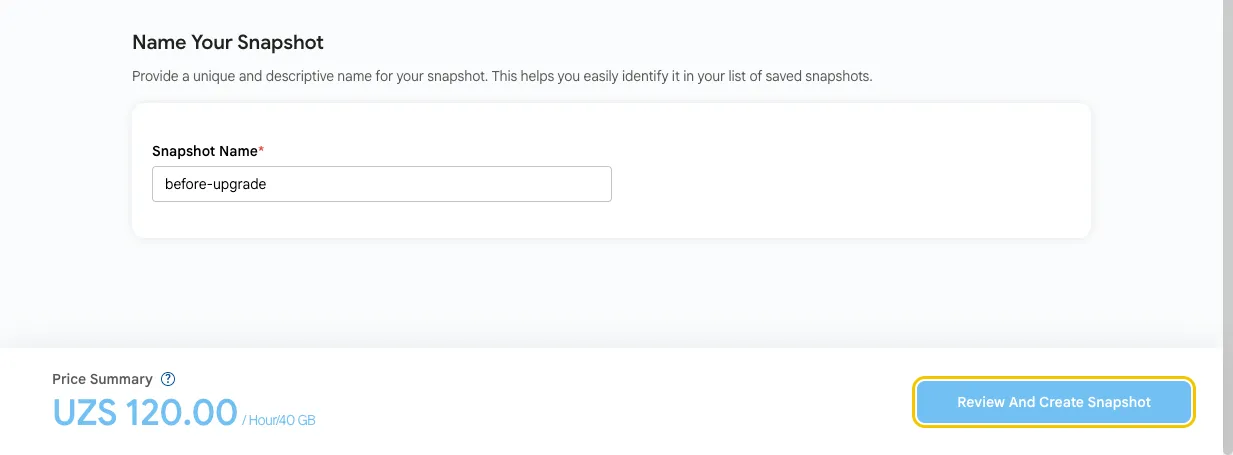
- Enter a unique Snapshot Name.
- Check the Price Summary and click Review And Create Snapshot.
Conclusion
Volume snapshots are a simple way to protect your data. To create snapshots automatically, use Schedules. For further assistance, refer to the UzCloud documentation or reach out to support.