Instance Backups
Backups are copies of your instance’s data that protect it against accidental deletions, software failures, or security threats.
You can create a backup manually at any time, or create backups automatically on a schedule in the Schedules section.
Viewing Backups
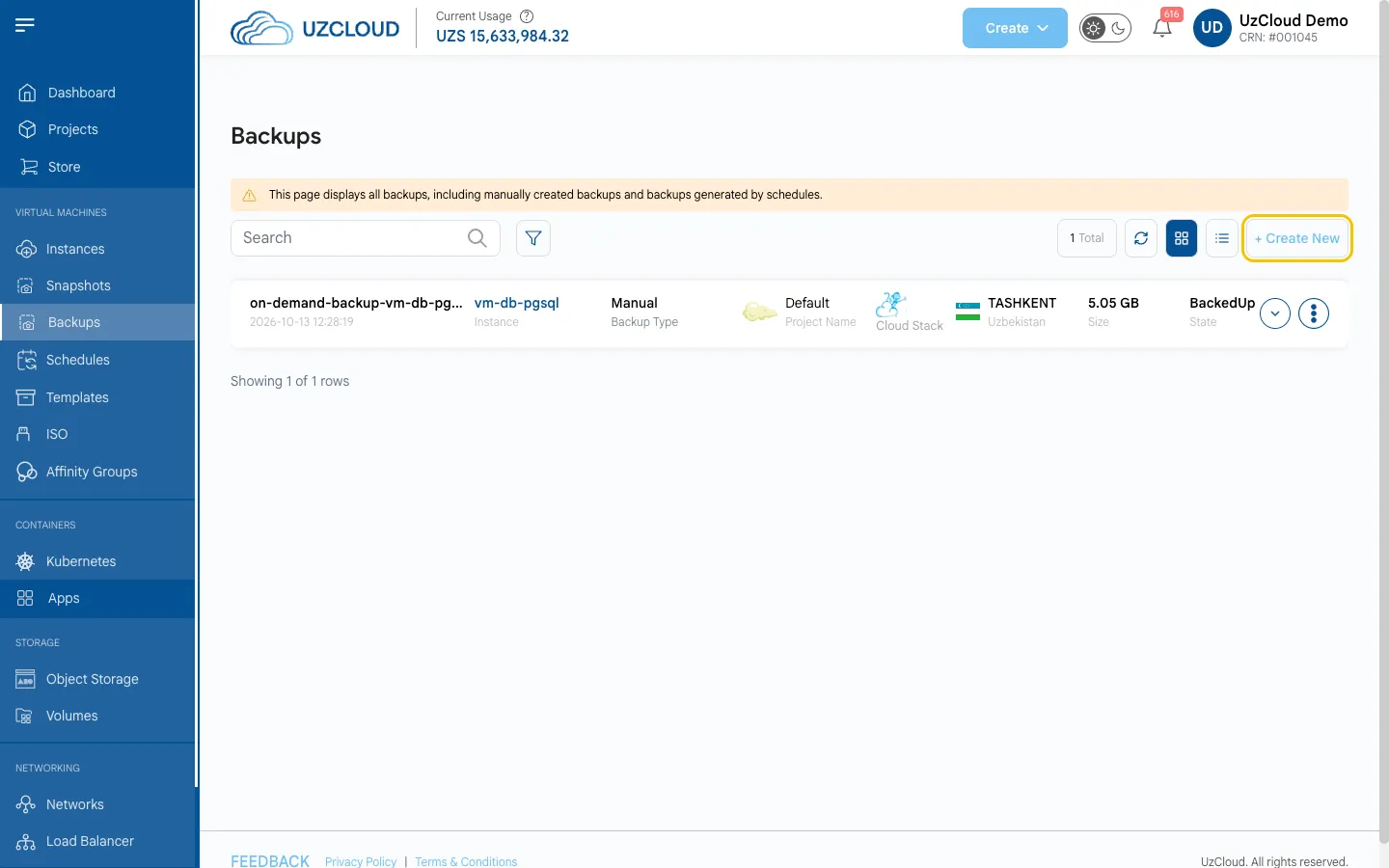
- From the left-hand menu, click Backups. The page shows all backups, including manually created ones and backups generated by schedules: the instance, backup type (for example, Manual), project, location, size and state.
- Click + Create New to create a backup.
Creating an On-Demand Backup
Note
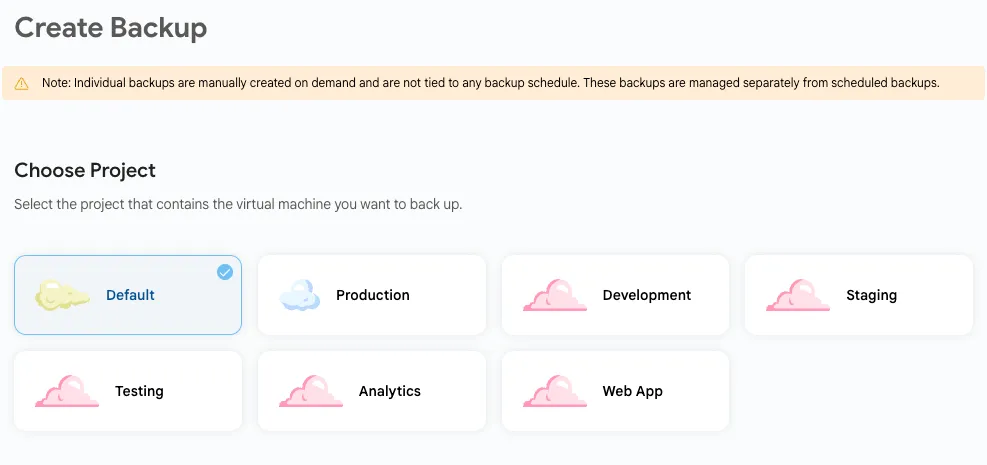
Individual backups are created manually on demand and are not tied to any backup schedule.
- Select the project that contains the virtual machine you want to back up.
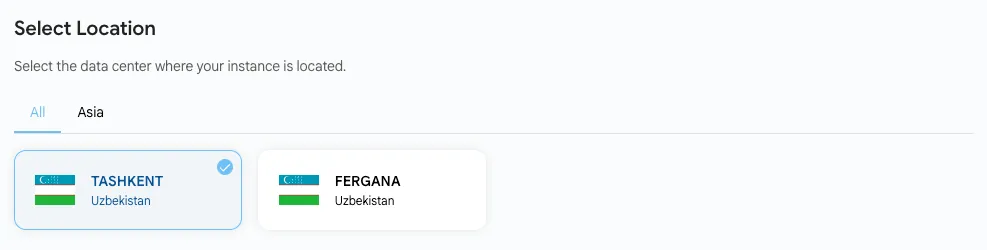
- Select the location where the instance is located.
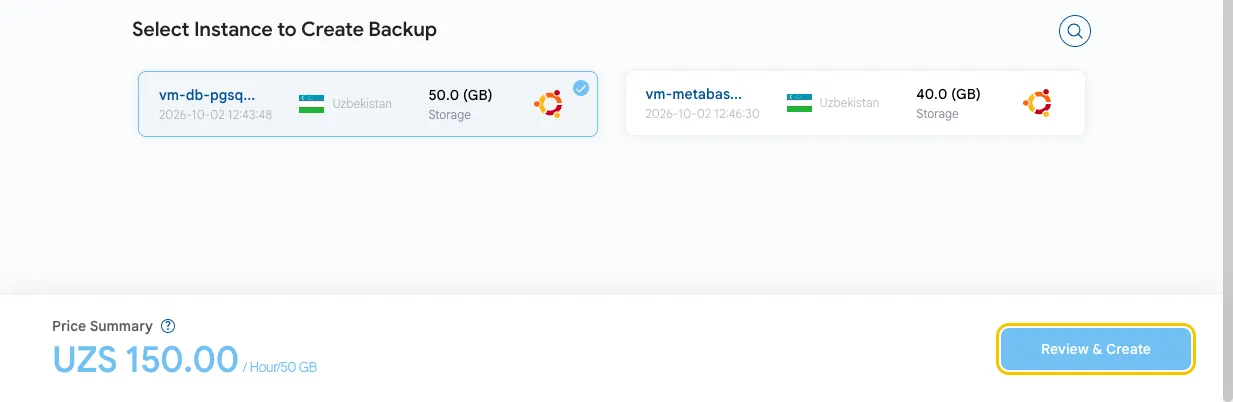
- In Select Instance to Create Backup, select the virtual machine.
- Check the Price Summary (the cost is calculated per GB of the disk per hour) and click Review & Create.
Conclusion
Backups are a reliable way to protect your data and recover quickly after failures. For further assistance, refer to the UzCloud documentation or reach out to support.