Monitor Activity for VM in UzCloud
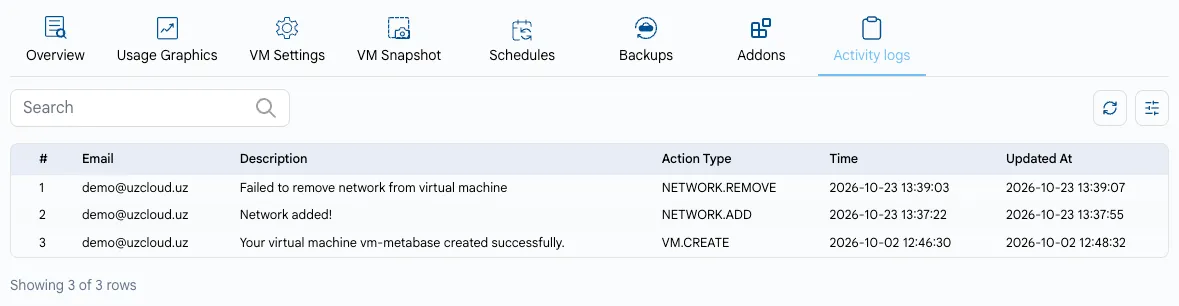
The VM activity log records all actions and events related to the virtual machine.
- On the Virtual Machine Overview page, open the Activity logs tab.
- For each event, the user’s email, description, action type, time and update time are shown. Use the search bar to find events, for example when the VM was created, stopped, or rebooted.