Change Operating System
This setting allows you to reinstall the operating system of your virtual machine or switch to another one.
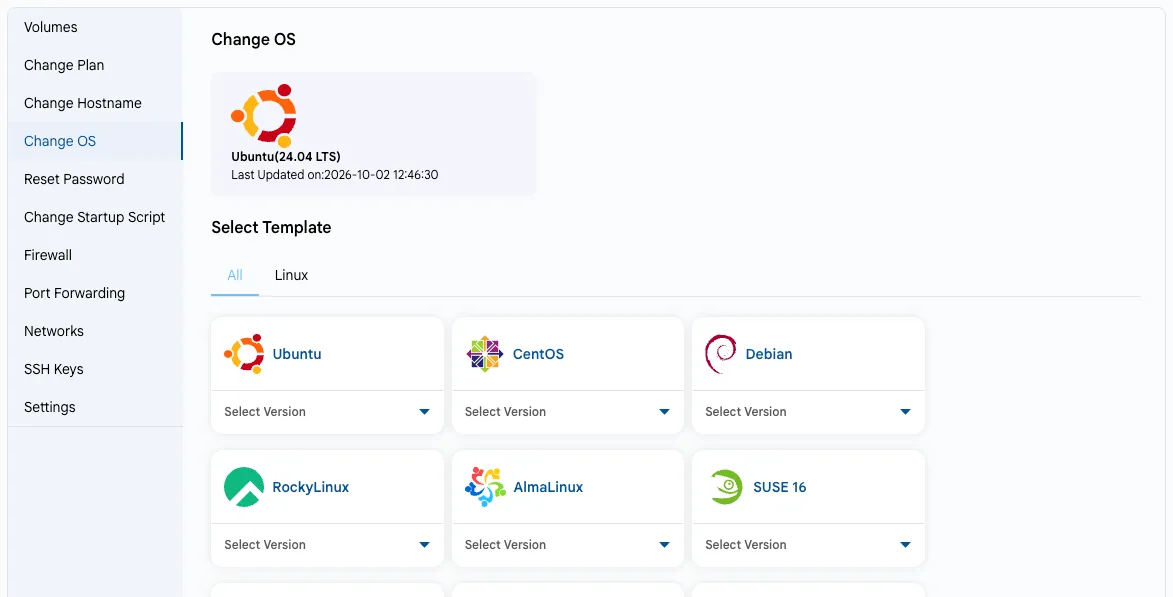
- On the VM Settings tab, select Change OS. The current OS and the date of the last change are shown at the top.
- In Select Template, select the OS and its version, then click Change OS.
Warning
Changing the operating system will wipe all data on the server. Delete snapshots and backups before changing the OS.
Conclusion
Changing the OS lets you start fresh with a clean environment. Always back up important data before proceeding.