Port Forwarding
Port forwarding redirects traffic from a port of a public IP address to a port of your VM. For example, you can forward external port 8080 to port 80 of the VM.
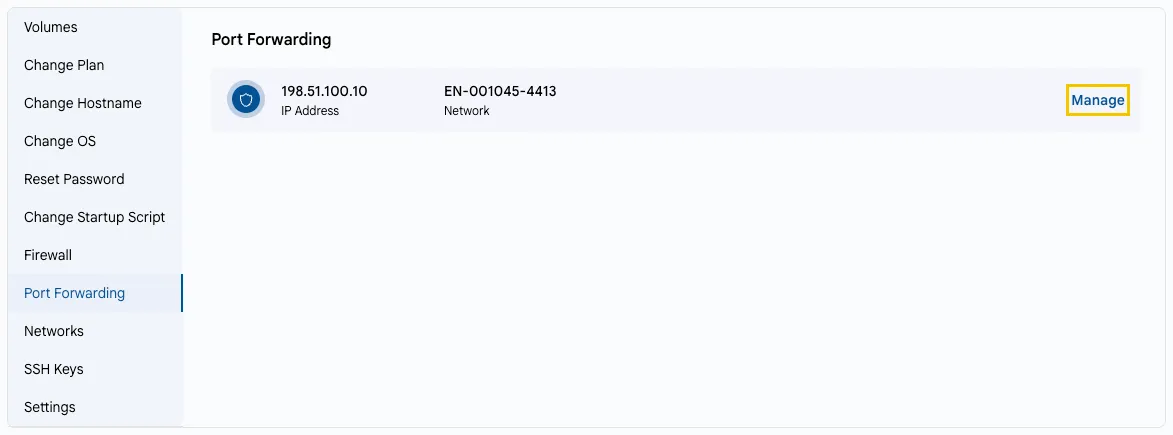
- On the VM Settings tab, select Port Forwarding. The list shows the public IP addresses of the VM and their networks.
- Click Manage next to the IP address. The public IP address page opens on the Port Forwarding tab, where you can add and remove rules.
Conclusion
Port forwarding lets you expose services running on your VM. Open only the ports that are really needed.