Firewall Configuration
Firewall rules define which incoming traffic is allowed to reach your virtual machine: from which IP addresses, to which ports, and over which protocols. For example, you can allow only SSH (port 22) and web traffic (ports 80/443).
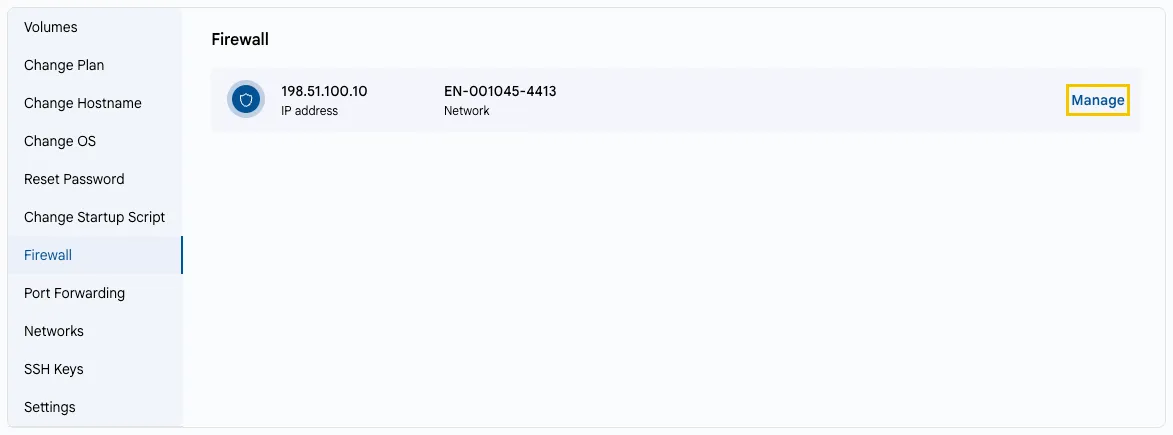
- On the VM Settings tab, select Firewall. The list shows the public IP addresses of the VM and their networks.
- Click Manage next to the IP address. The public IP address page opens on the Firewall tab, where you can add and remove rules.
Conclusion
Proper firewall configuration minimizes the attack surface. Regularly review your rules and open only the ports you need.