Network Configuration
This setting shows the network interfaces of your VM and lets you connect it to additional networks.
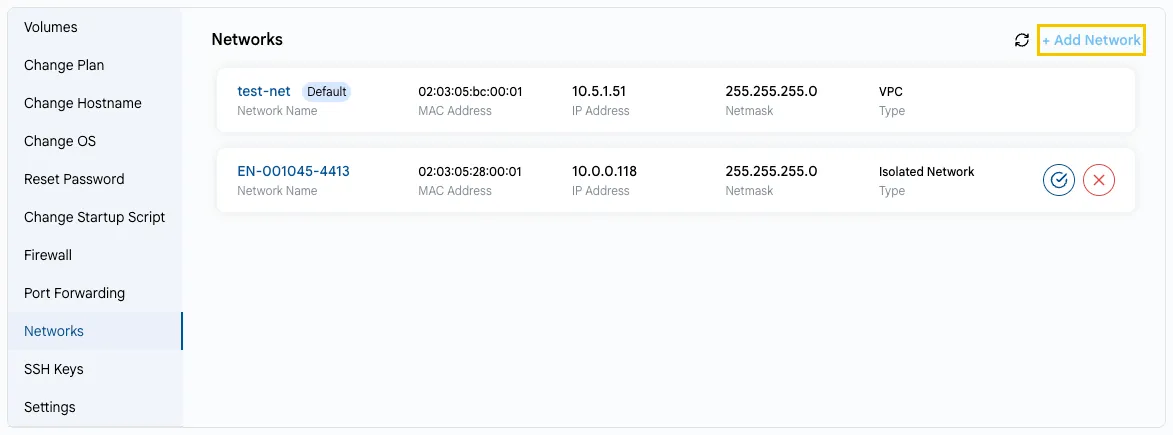
- On the VM Settings tab, select Networks. For each network, the name, MAC address, IP address, netmask and type are shown. The default network is marked Default.
- Click + Add Network to connect the VM to another network.
- Use the icons on the network card to Make This Network as Default or Remove Network.
Conclusion
Managing networks lets you combine internal communication and public access for your VM.