Change Hostname Settings
The hostname is the name of your virtual machine in the network. You can change it to match your naming conventions.
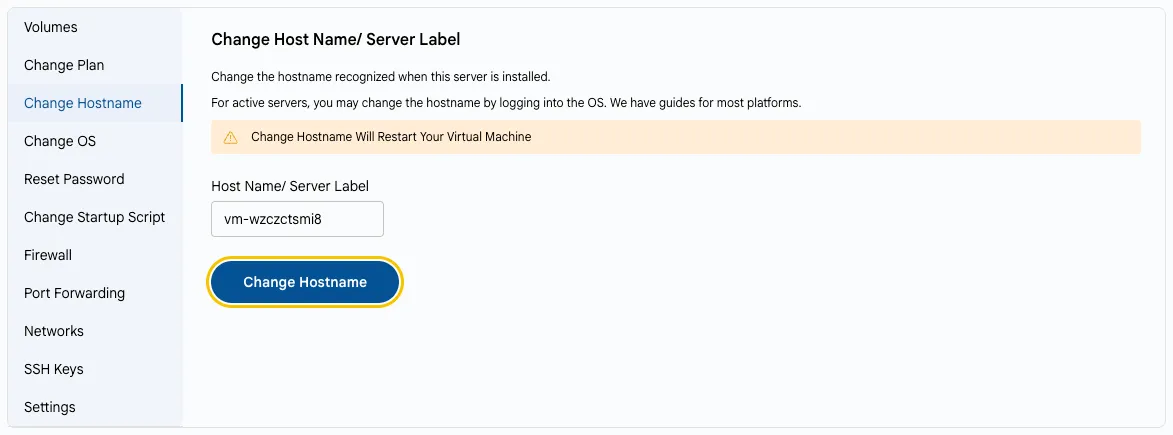
- On the VM Settings tab, select Change Hostname.
- Enter the new name in Host Name/ Server Label and click Change Hostname.
- This changes the hostname recognized when the server is installed. For active servers, you can also change the hostname by logging into the OS.
Warning
Changing the hostname will restart your virtual machine.
Conclusion
Use clear and consistent hostnames to identify servers more easily and integrate them with domain services.