Advanced VM Settings
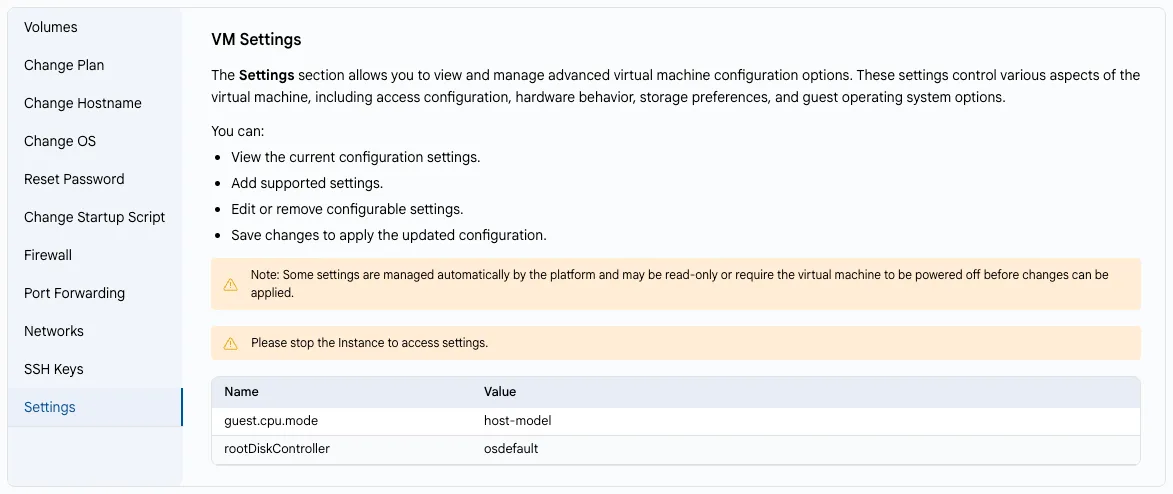
The Settings section shows the advanced configuration options of your virtual machine: access configuration, hardware behavior, storage preferences, and guest OS options (for example, guest.cpu.mode or rootDiskController).
- On the VM Settings tab, select Settings.
- You can view the current settings, add supported settings, edit or remove configurable ones, and save the changes.
Note
Some settings are managed automatically by the platform and may be read-only. To change settings, stop the instance first.
Warning
Change these parameters only if you know what they do: incorrect values may prevent the VM from starting.