Create Public Network
A public network in UzCloud is an isolated guest network with a built-in cloud firewall. It gives VMs internet access through a public IP address, and you can define traffic rules, port forwarding and remote access VPN without complex configuration.
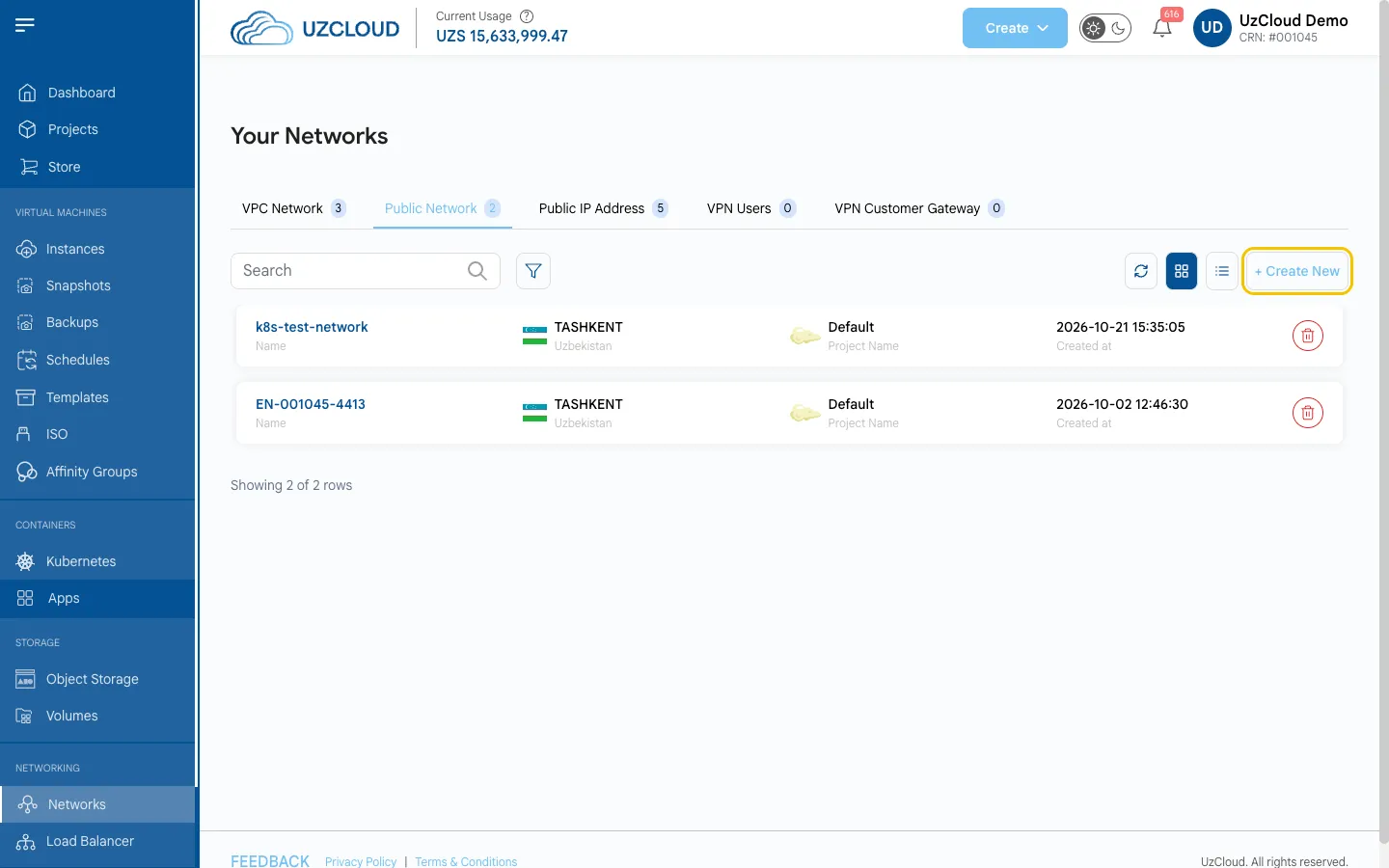
- In the left-hand menu, under NETWORKING, click Networks, then open the Public Network tab.
- Click + Create New in the upper-right corner. The Create Isolated Network page opens.
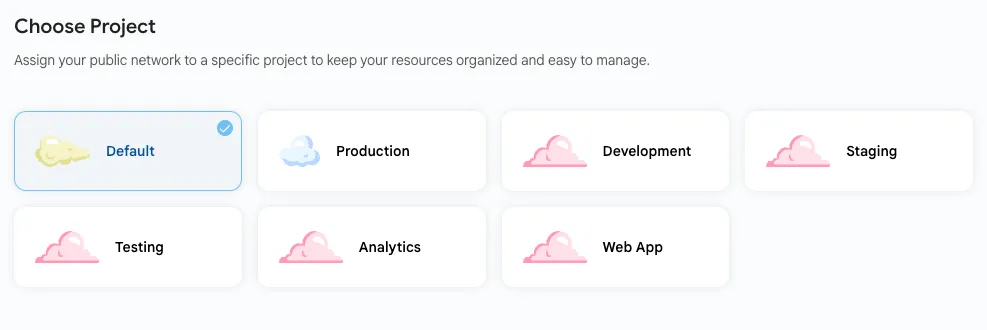
Choose a Project
- Assign the network to one of your projects to keep resources organized.
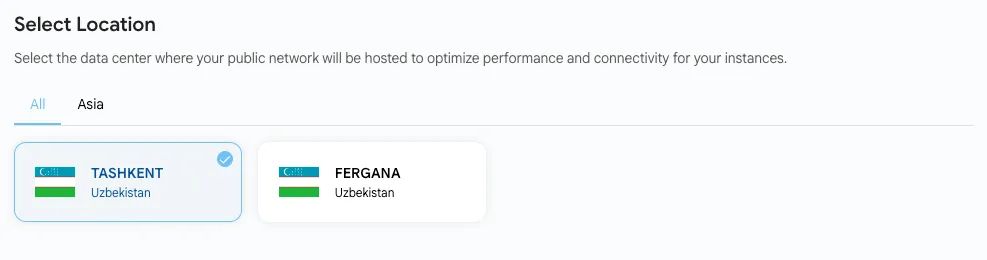
Select a Location
- Select the data center where the network will be hosted: TASHKENT or FERGANA.
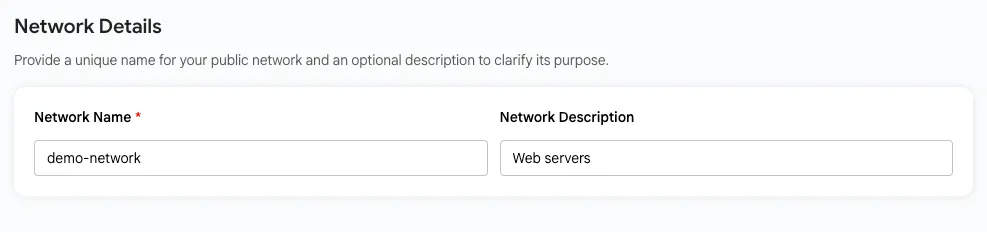
Network Details
- Enter a unique Network Name and, optionally, a Network Description.
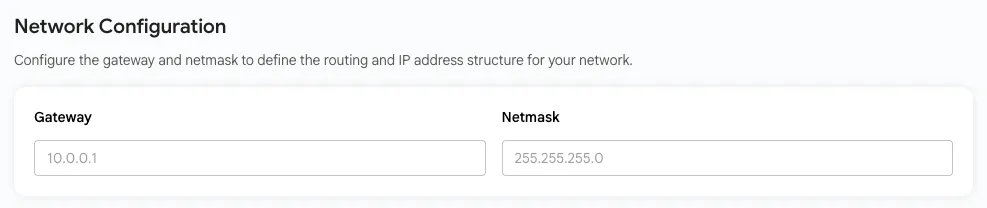
Network Configuration
- Optionally, set the Gateway (for example,
10.0.0.1) and Netmask (for example,255.255.255.0) of the network. If you leave the fields empty, the default values are used.
Create the Network
- At the bottom of the page, choose the Billing Cycle: Monthly or Yearly. Price Summary shows the cost.
- Check the configuration and click Create Network.

Conclusion
A public network connects your VMs to the internet with a built-in firewall. After creating it, configure egress rules and the public IP address of the network.