Create VPC Networks
A Virtual Private Cloud (VPC) network in UzCloud gives you full control over your network. Along with firewall rules, port forwarding and remote access VPN, you can set up VPN gateways and site-to-site VPN connections, add several networks (tiers) and control traffic between them with ACLs.
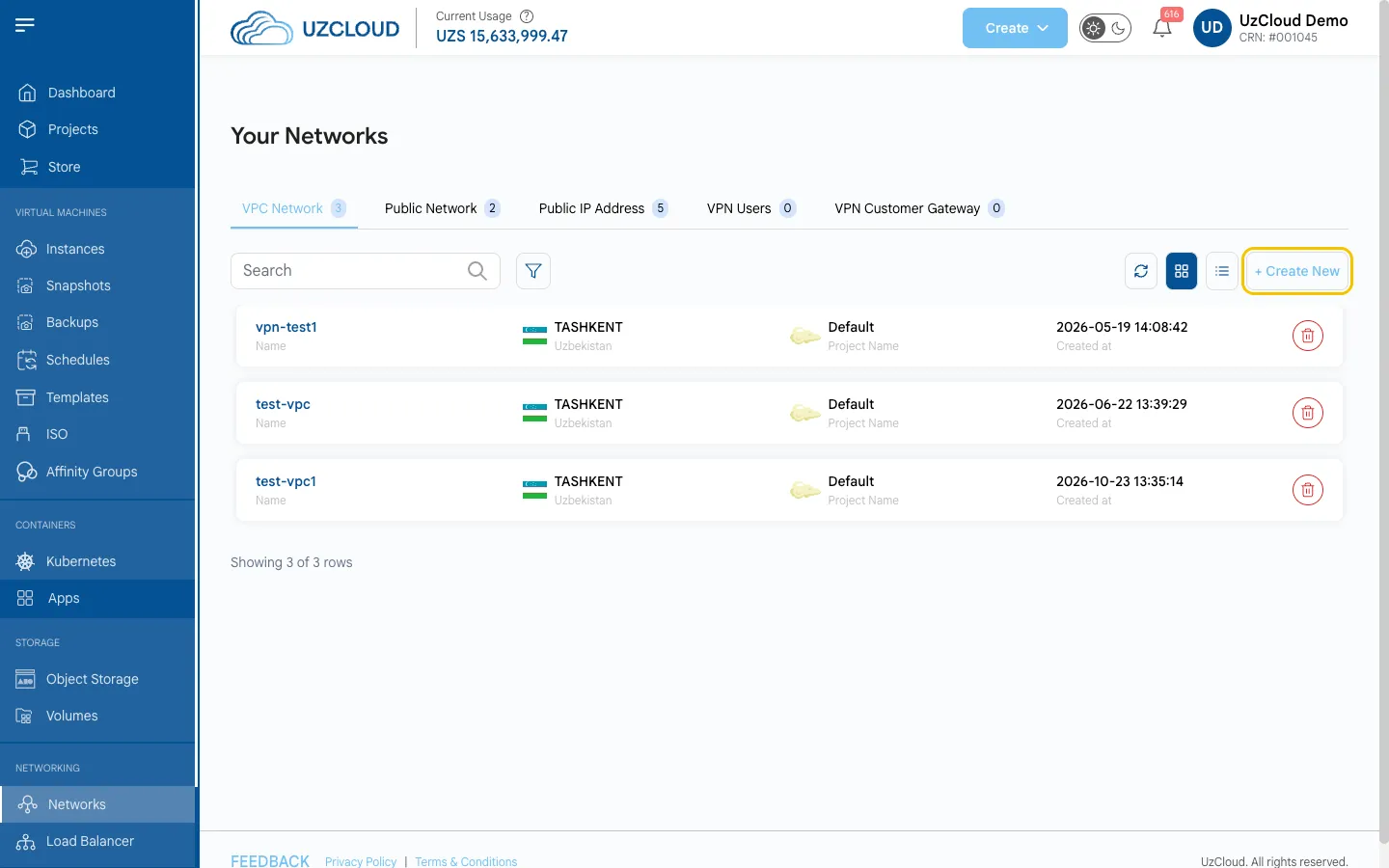
- In the left-hand menu, under NETWORKING, click Networks. The Your Networks page opens on the VPC Network tab.
- Click + Create New in the upper-right corner. The Create VPC Network page opens.
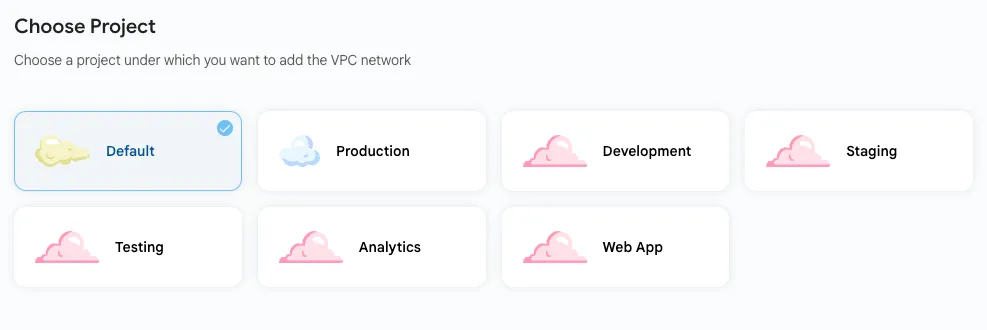
Choose a Project
- Assign the VPC to one of your projects to keep resources organized.
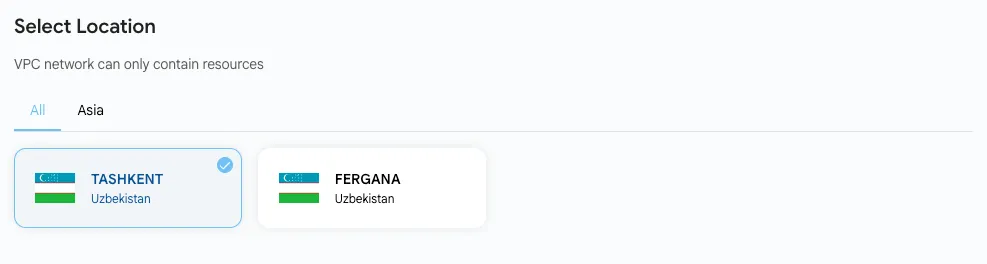
Select a Location
- Select the data center where the VPC will be created: TASHKENT or FERGANA. A VPC can only contain resources from the same location.
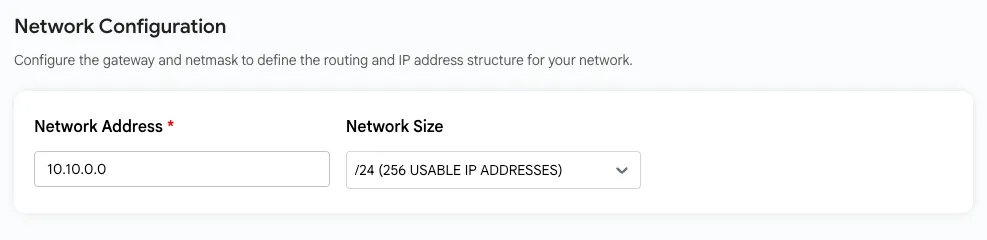
Network Configuration
- Network Address — the base address of the VPC address space (for example,
10.10.0.0). - Network Size — the size of the address space, from /16 (65,536 addresses) to /30. The default is /24 (256 addresses).
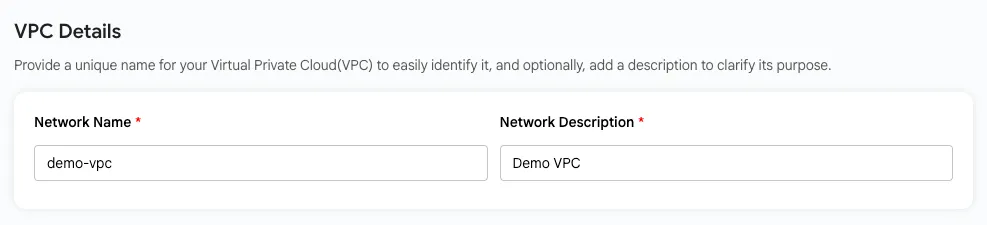
VPC Details
- Enter a unique Network Name and a Network Description that explains the purpose of the VPC.
Create the VPC
- At the bottom of the page, choose the Billing Cycle: Monthly or Yearly. Price Summary shows the cost.
- Check the configuration and click Create VPC.

Conclusion
A VPC network in UzCloud provides a secure, isolated and flexible environment for your cloud resources. After creating the VPC, add networks to it and configure ACLs and VPN as needed.