Public Network Overview
To open a public network, click its name on the Public Network tab of the Networks page. The network page shows its creation date and location. The action buttons in the upper-right corner let you edit the network, refresh the data and delete the network.
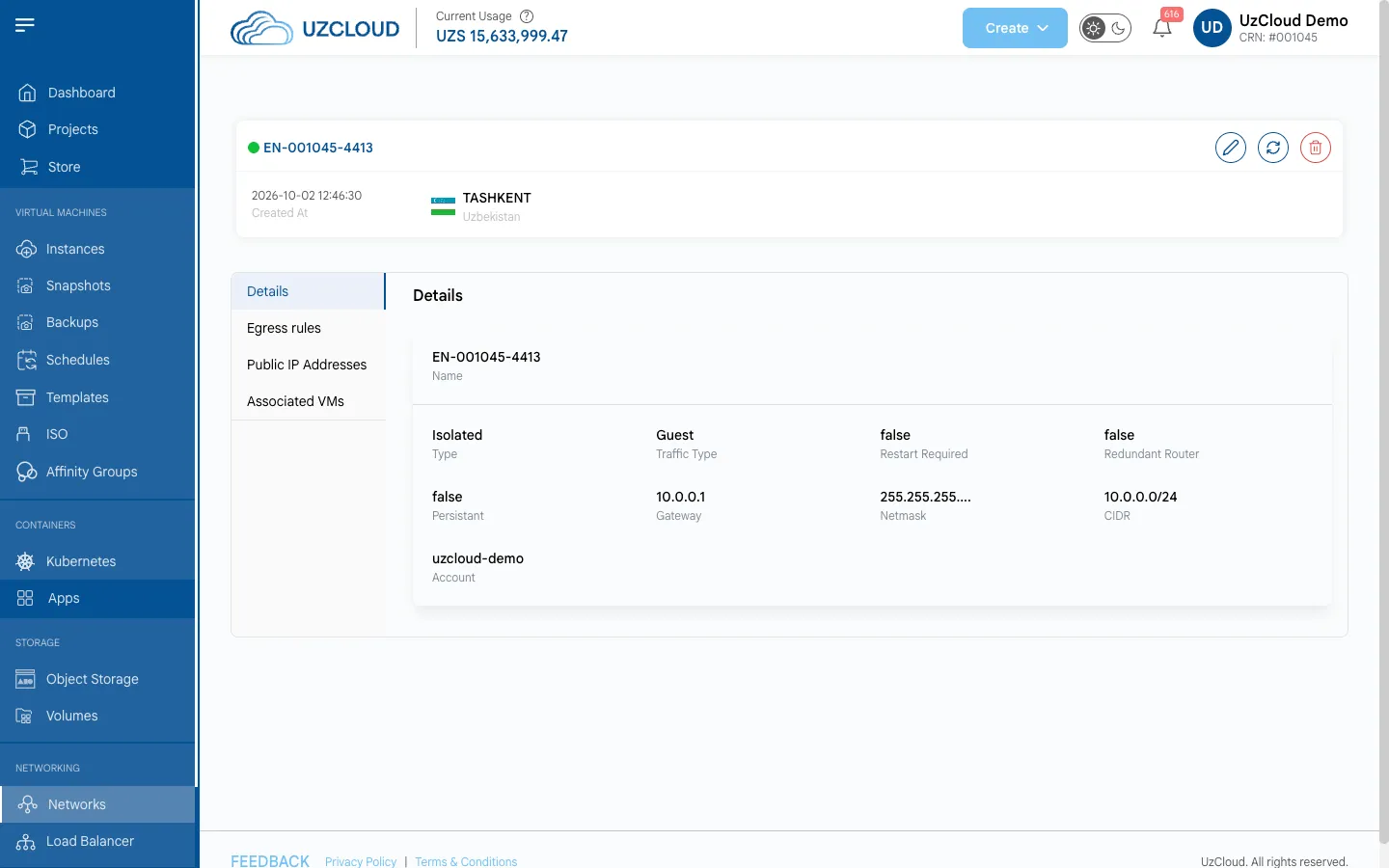
Details
The Details tab shows the main network parameters.
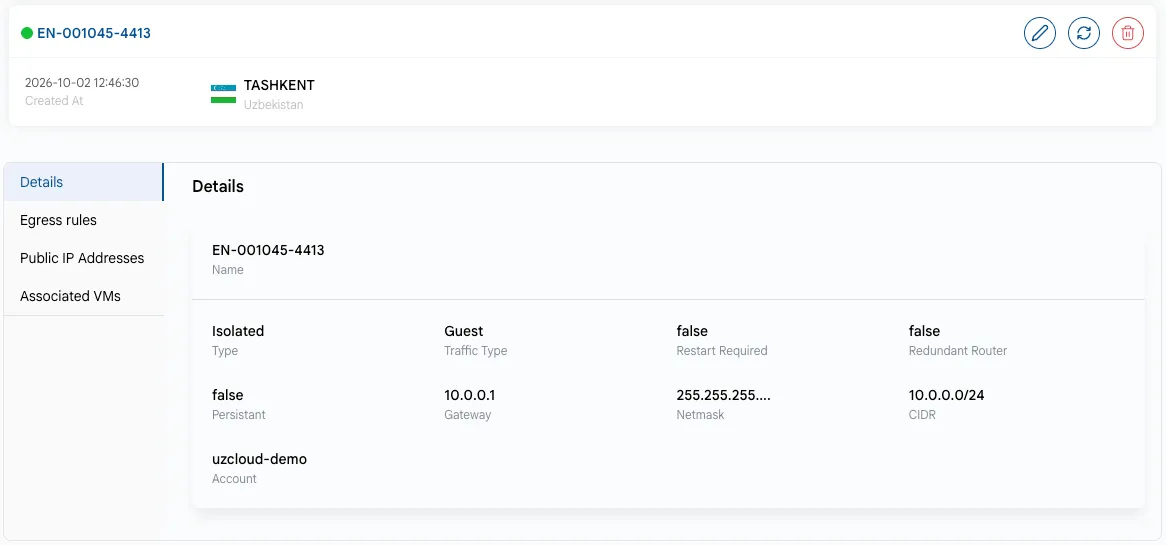
- Name — the network name.
- Type — the network type (Isolated).
- Traffic Type — the traffic type (Guest — VM traffic).
- Restart Required — whether the network needs to be restarted to apply changes.
- Redundant Router — whether a redundant (backup) virtual router is used.
- Persistant — whether the network is kept active even without running VMs.
- Gateway, Netmask and CIDR — the network gateway, mask and address range.
- Account — the account that owns the network.
Network Tabs
- Egress rules — the rules for outbound traffic.
- Public IP Addresses — the public IP addresses of the network.
- Associated VMs — the VMs connected to the network.
Conclusion
The network page provides key details about the network configuration: its type, gateway, netmask and CIDR, as well as access to egress rules and IP addresses.