Network ACL List
A Network ACL is a set of rules that controls inbound and outbound traffic of VPC networks.
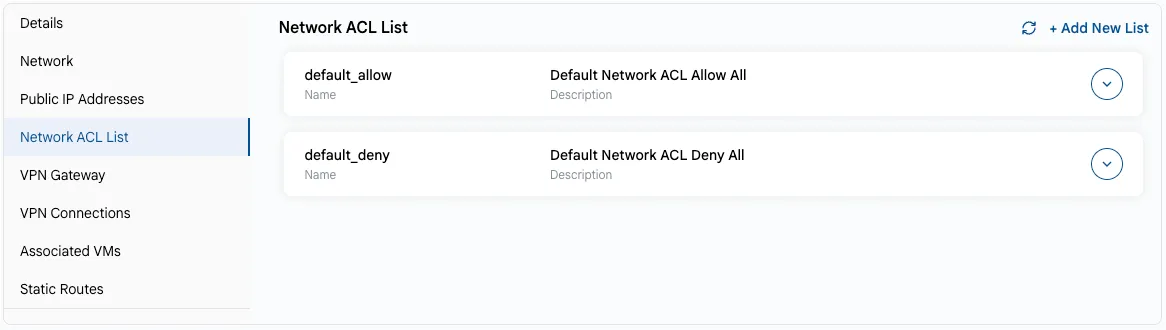
- On the VPC page, open the Network ACL List tab. It lists all ACLs of the VPC. Two lists are created by default: default_allow (allows all traffic) and default_deny (denies all traffic).
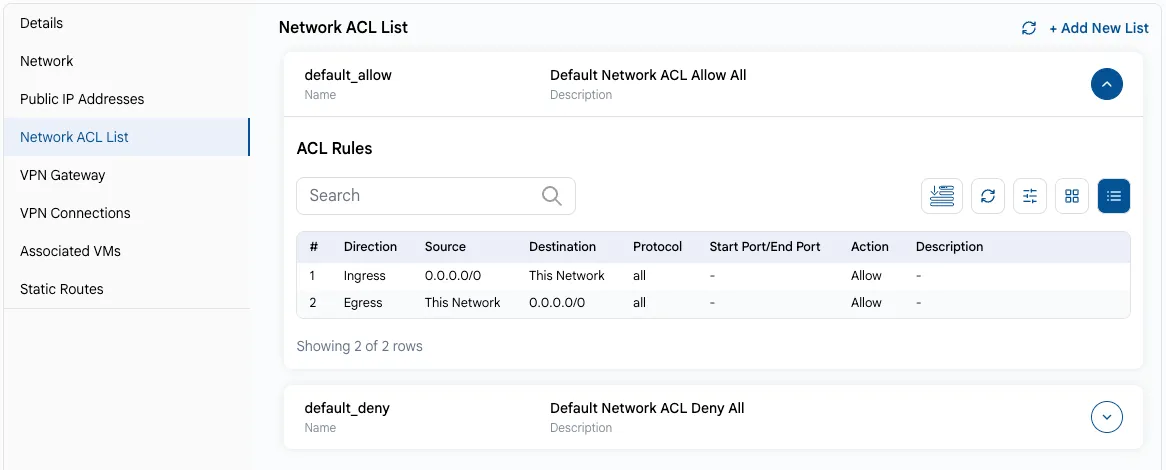
- Click the arrow on an ACL card to see its ACL Rules: number, direction (Ingress or Egress), source, destination, protocol, port range, action (Allow or Deny) and description. Use the Manage Order button to change the order of rules.
- To create your own list, click + Add New List, enter a Name and Description and click Submit.
Conclusion
The Network ACL List provides a centralized way to manage inbound and outbound traffic rules for VPC networks.