Public IP Address
Public IP addresses allow resources in the network to communicate with the internet.
- On the network page, open the Public IP Addresses tab. It lists the IP addresses of the network with their type, instances and associated network. The SOURCE-NAT address is assigned to the network automatically and is used for outgoing traffic.

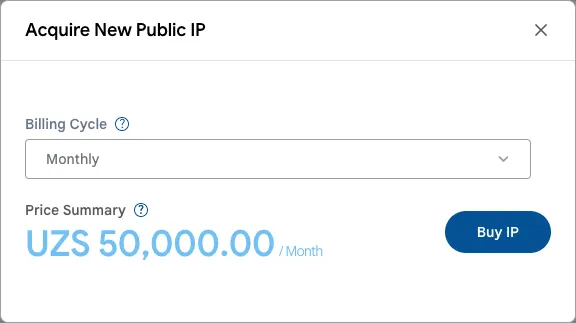
- To get another address, click + Acquire New IP, choose the Billing Cycle and click Buy IP.
- To configure firewall, port forwarding and VPN for an address, click it or see Public IP Address.
Conclusion
On the Public IP Addresses tab, you can view, acquire and manage the IP addresses of the network.