Reset VM Password
If you have lost the password of your virtual machine, you can reset it.
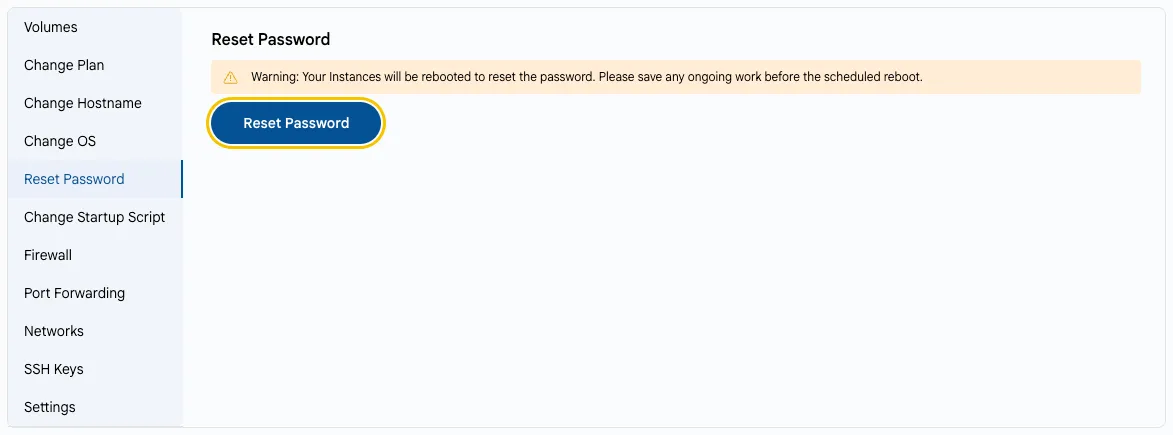
- On the VM Settings tab, select Reset Password.
- Click Reset Password.
- The new password is shown in the Provisioning Password field on the Overview tab.
Warning
The instance will be rebooted to reset the password. Save any ongoing work before the reboot.